
This guide walks you through how to build a marketing plan using Cambium AI. Instead of relying on assumptions, small surveys, or generic AI outputs, you will explore statistically representative audience segments, generate grounded personas, and create targeted marketing strategies tied to real population patterns.
To get started with your free account, go to app.cambium.ai.
1. Start in Marketing
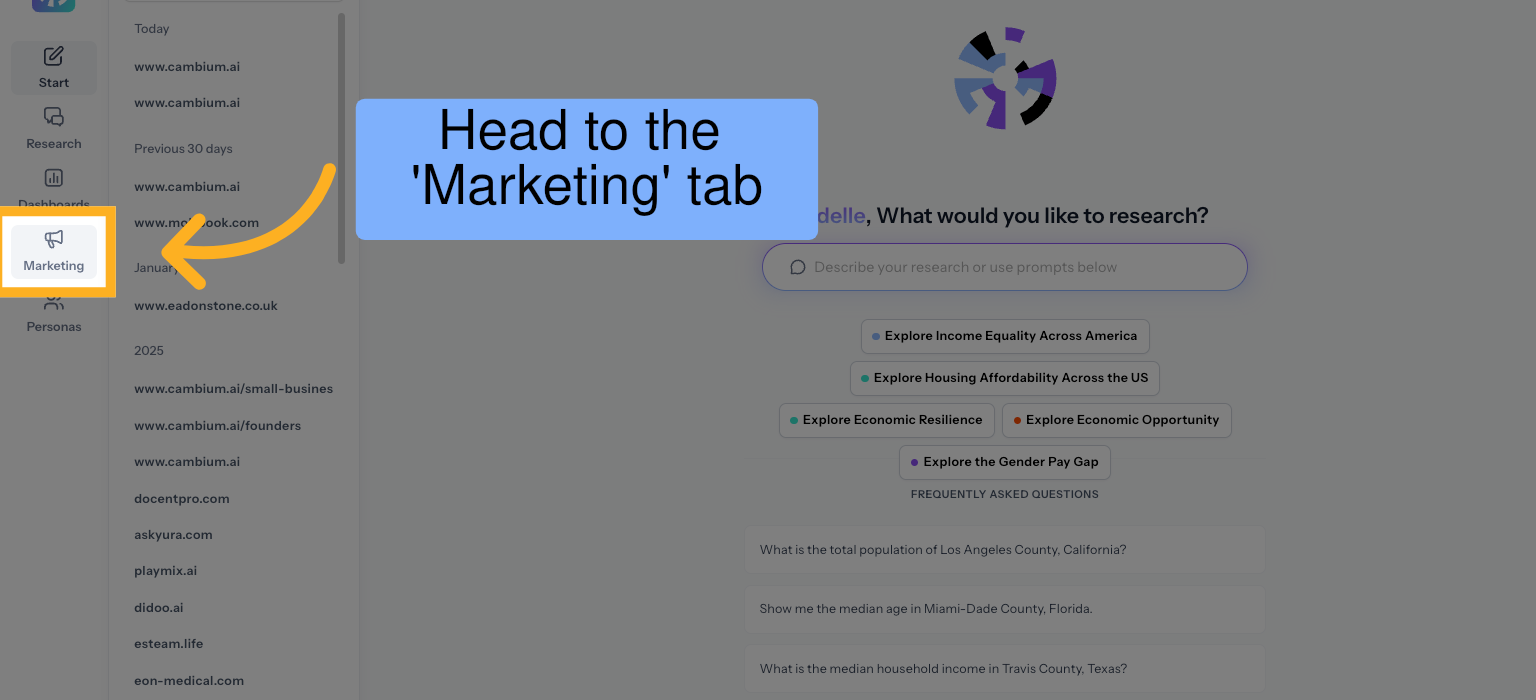
Once logged in, navigate to the 'Marketing' section of the app to begin building a structured, audience-based marketing plan. This flow connects public population data to real audience segments so you can plan with evidence rather than assumptions.
2. Launch Your Marketing Analysis
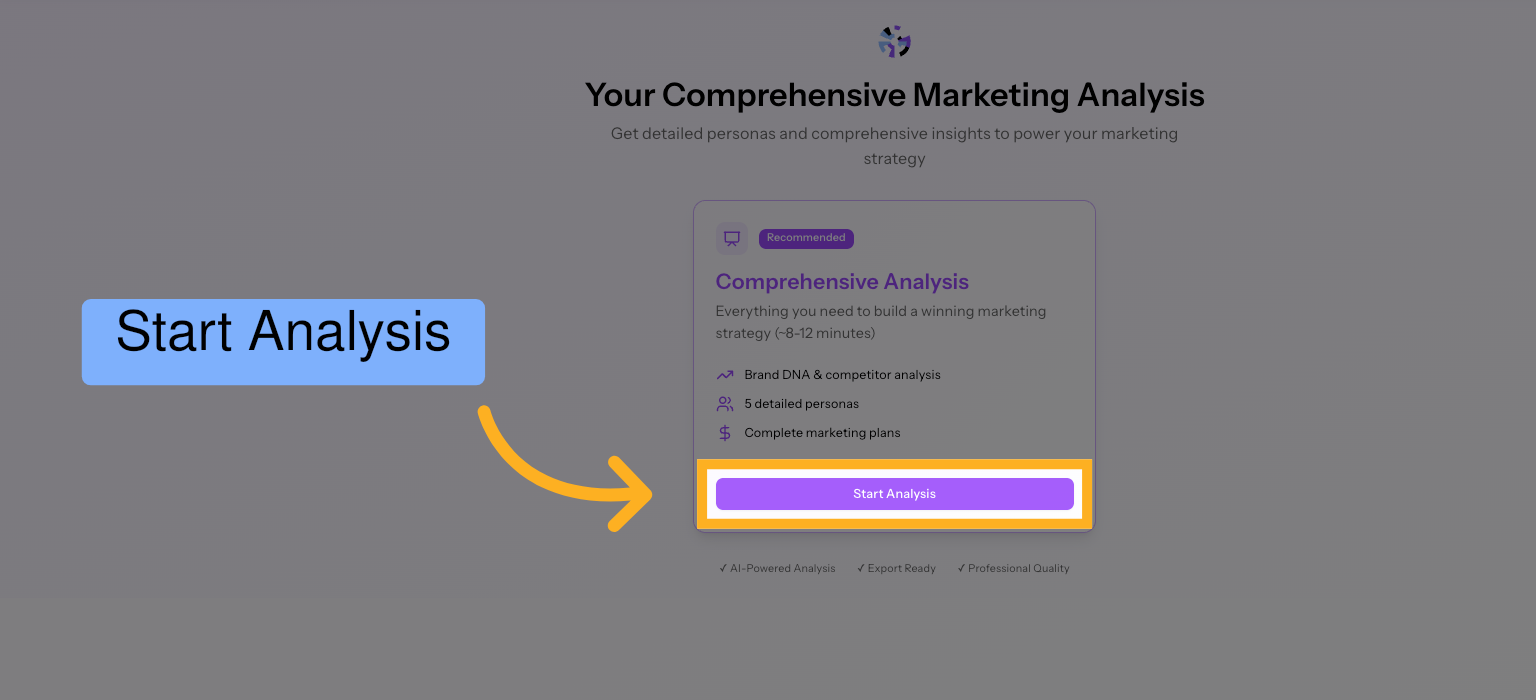
Start a new analysis to define the product, audience, and context you want to explore. This creates a workspace where Cambium AI will connect structured U.S. public data to your specific business case.
3. Generate Audiences from Your Website
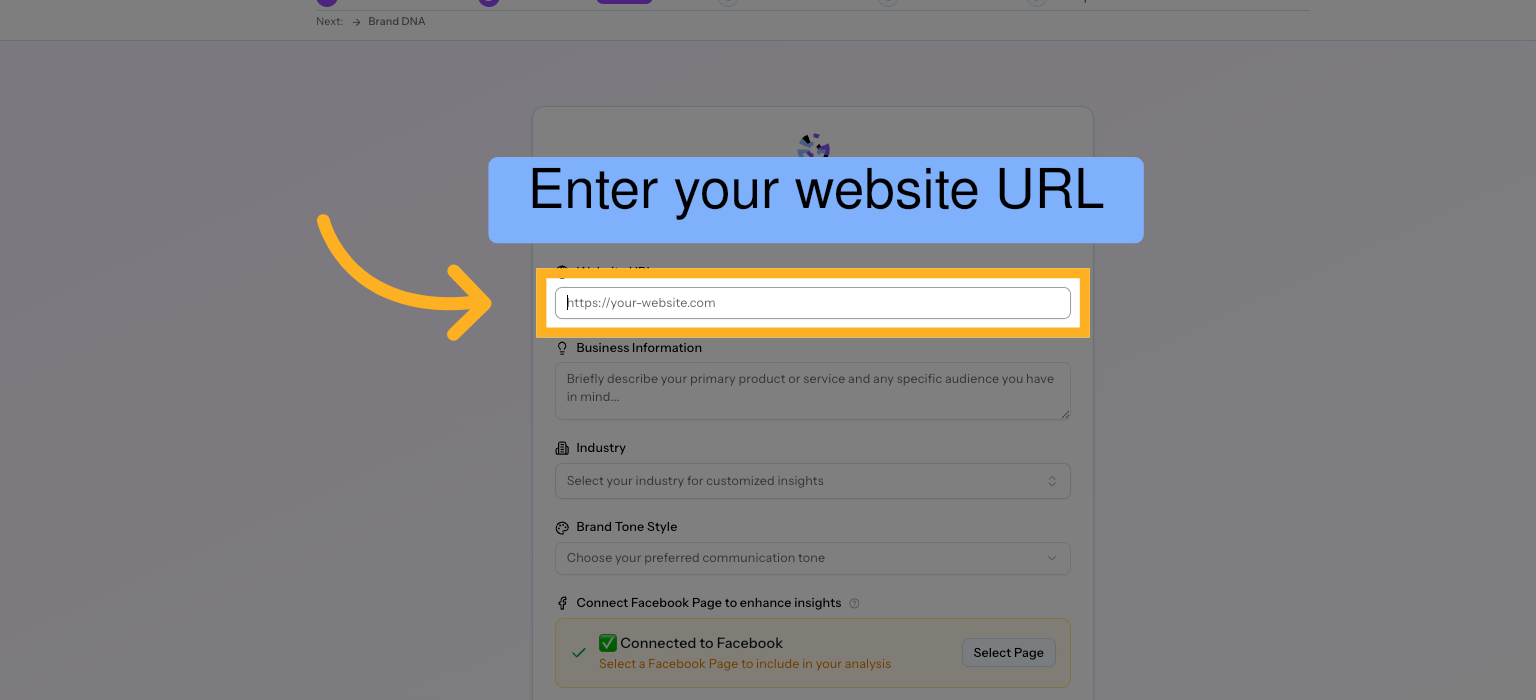
Paste your website URL to help Cambium AI understand your product or service. The system uses this context to generate statistically grounded audience segments and personas that align with your offering.
4. Provide Business Context
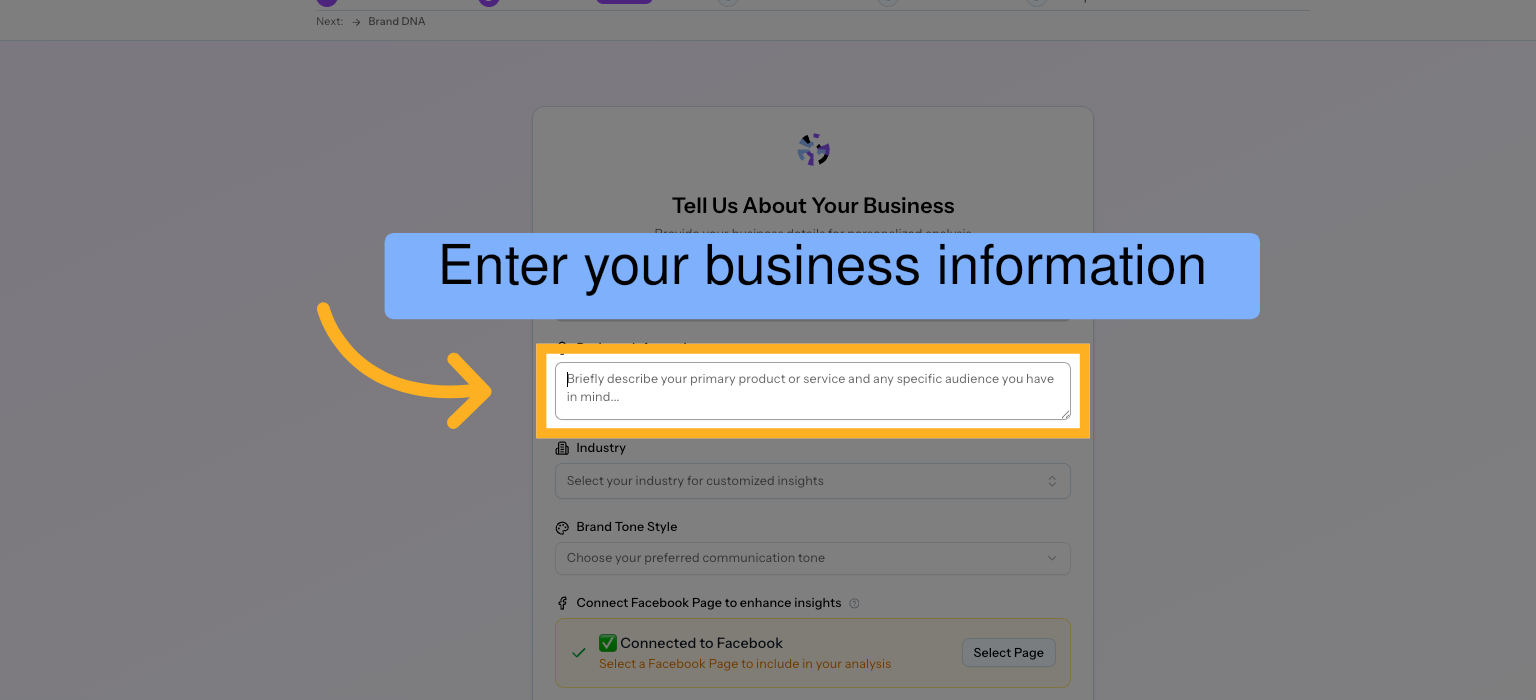
Enter key details about your business, such as what you sell and who you believe your customers are. This helps refine the analysis.
5. Customize Industry Signals
Choose the industry or domain that best fits your business.
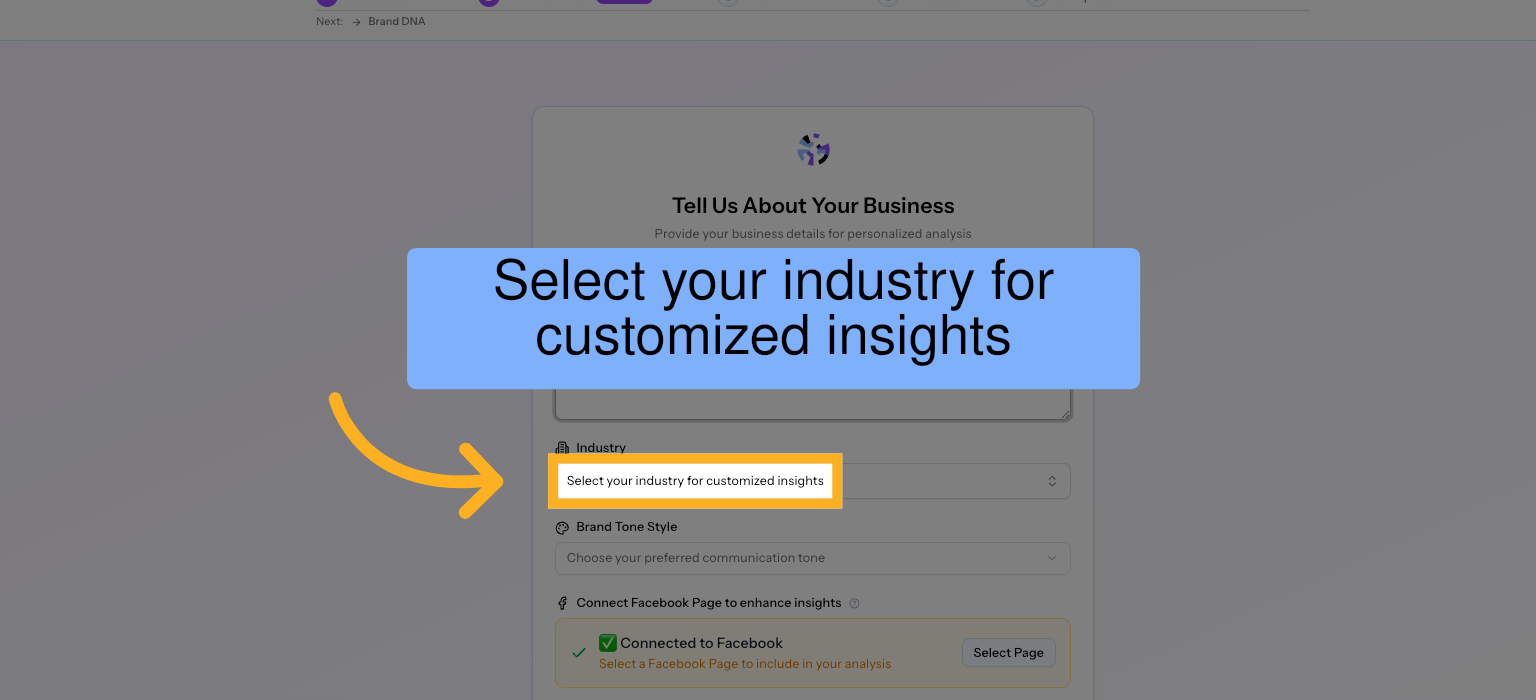
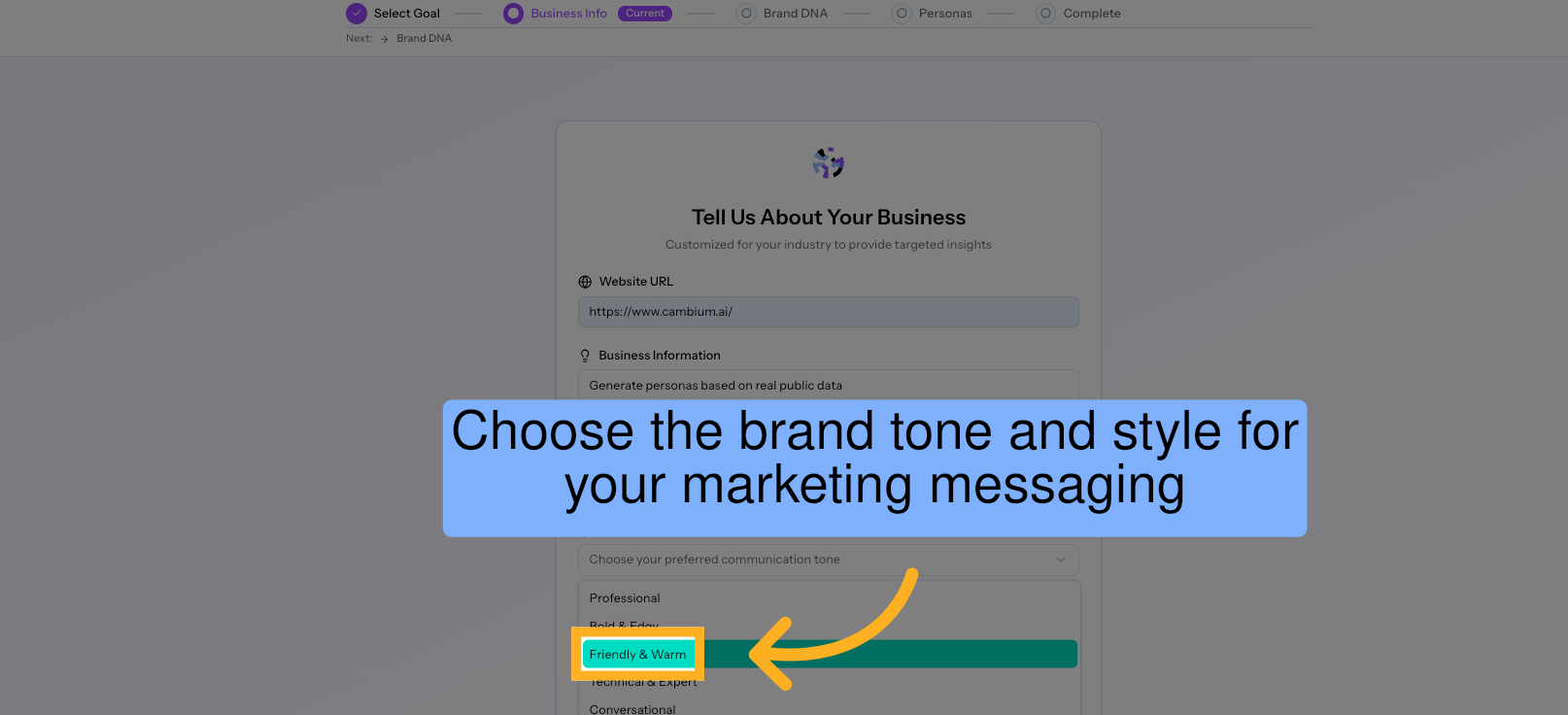
6. Set Your Messaging Style
Select the tone and positioning style you want to explore. Cambium AI will align marketing recommendations and messaging themes with this tone.
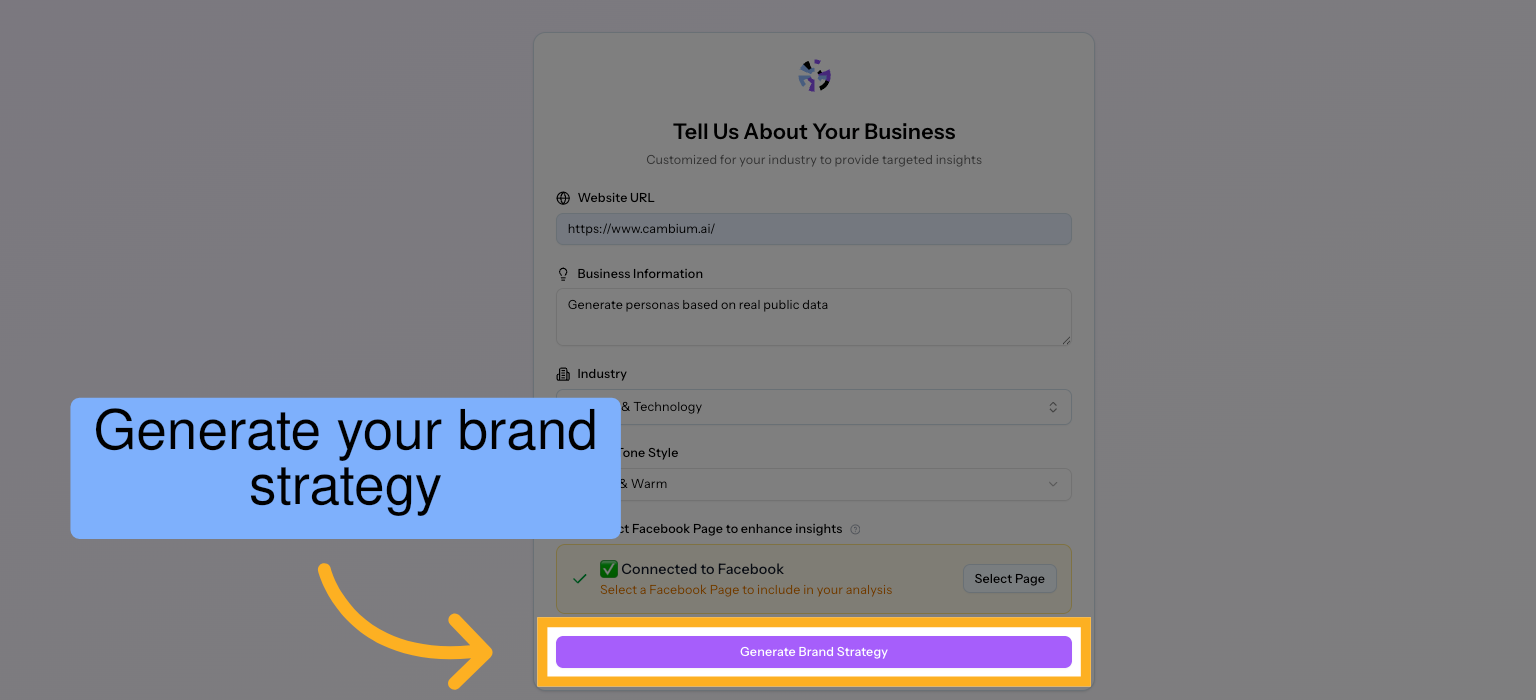
7. Create Your Audience-Based Strategy
Generate a strategy tailored to the audiences identified in your analysis. Outputs include positioning considerations, competitor research, messaging themes, channels, and keyword directions, all connected to statistically representative population segments.
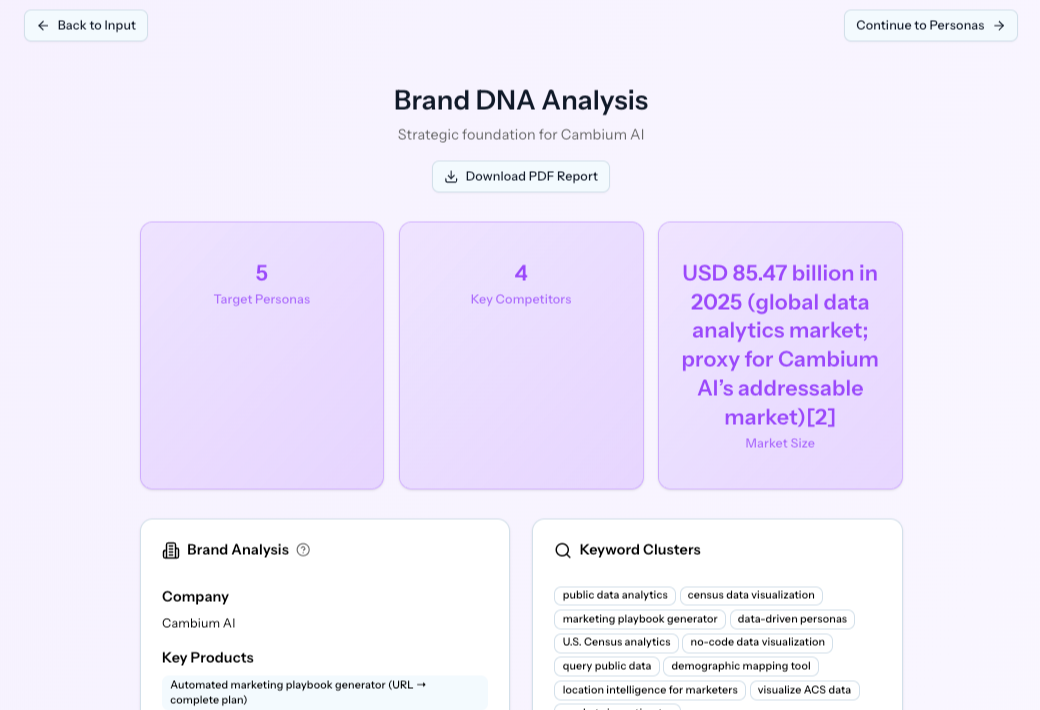
8. Understand Your Strategic Foundation
Review the Brand DNA
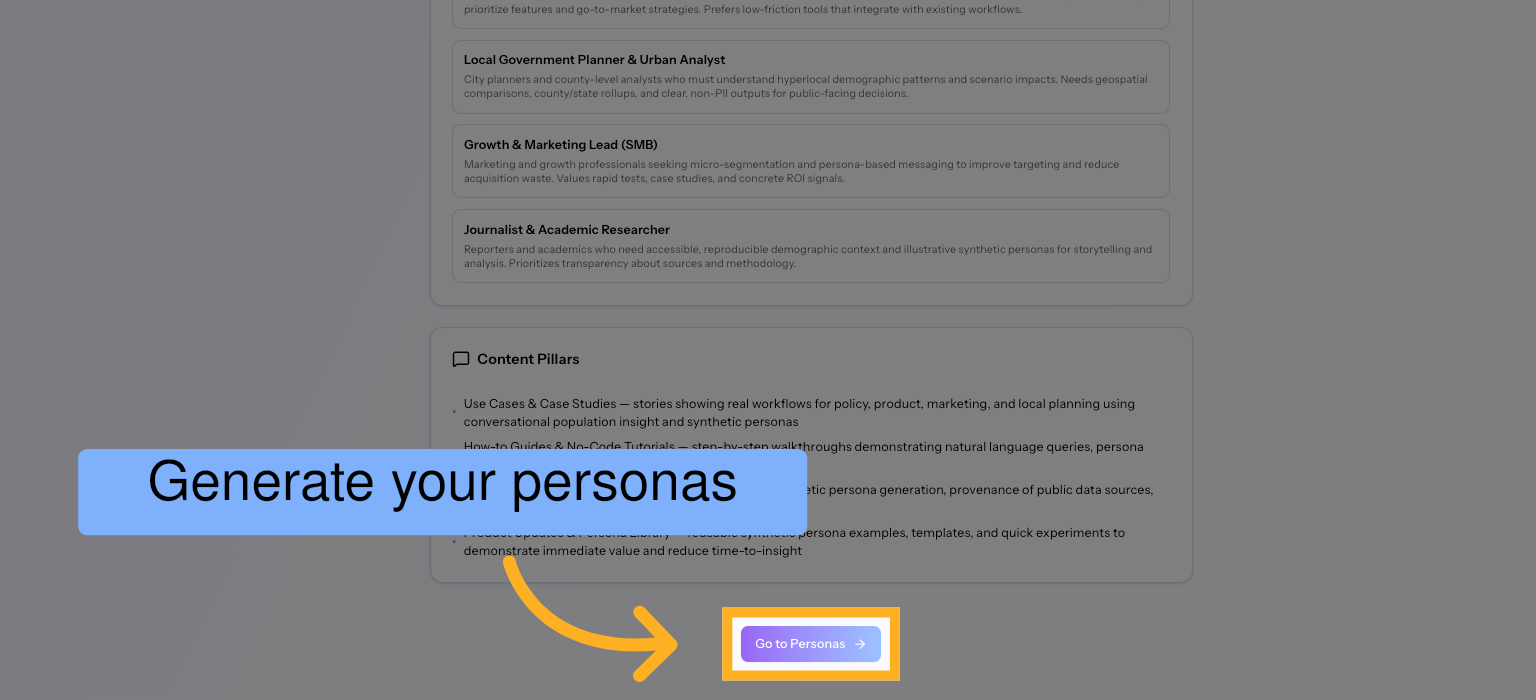
9. Create Data-Grounded Personas
Generate personas that reflect real demographic, economic, and behavioral constraints within the U.S. population.
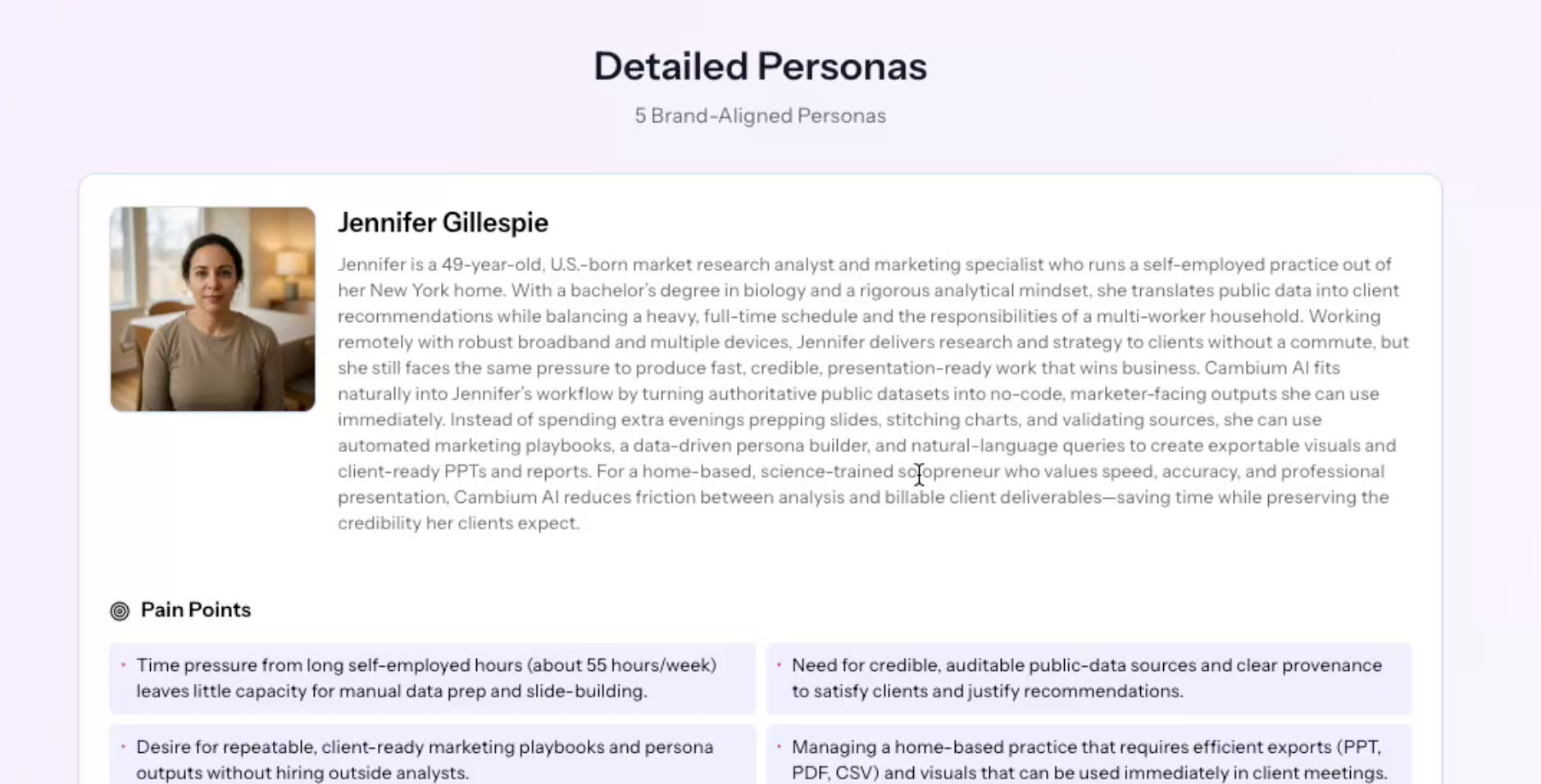
10. Explore Persona Profiles
Examine each persona in detail, including motivations, trade-offs, economic realities, and likely concerns. These profiles are built from aggregated public data and help you understand context before committing marketing spend.
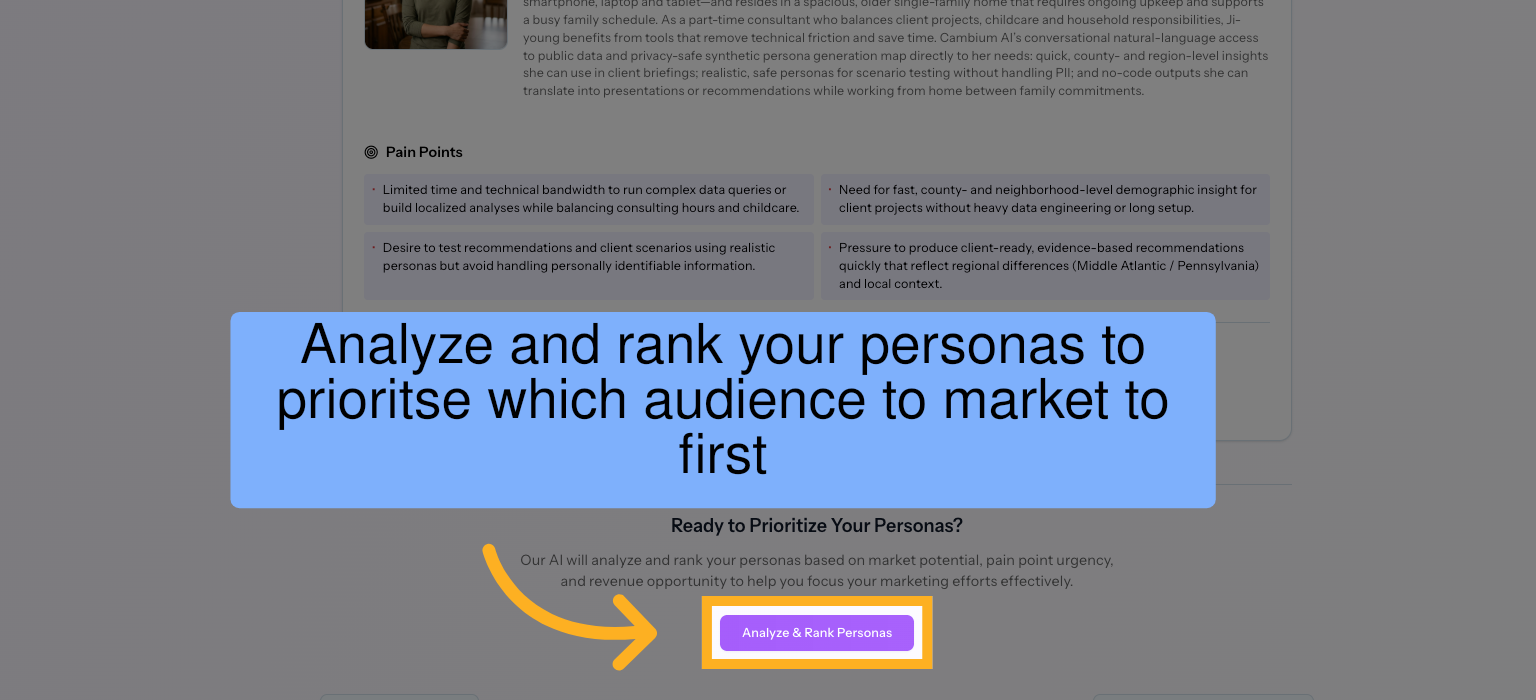
11. Prioritize Your Target Segments
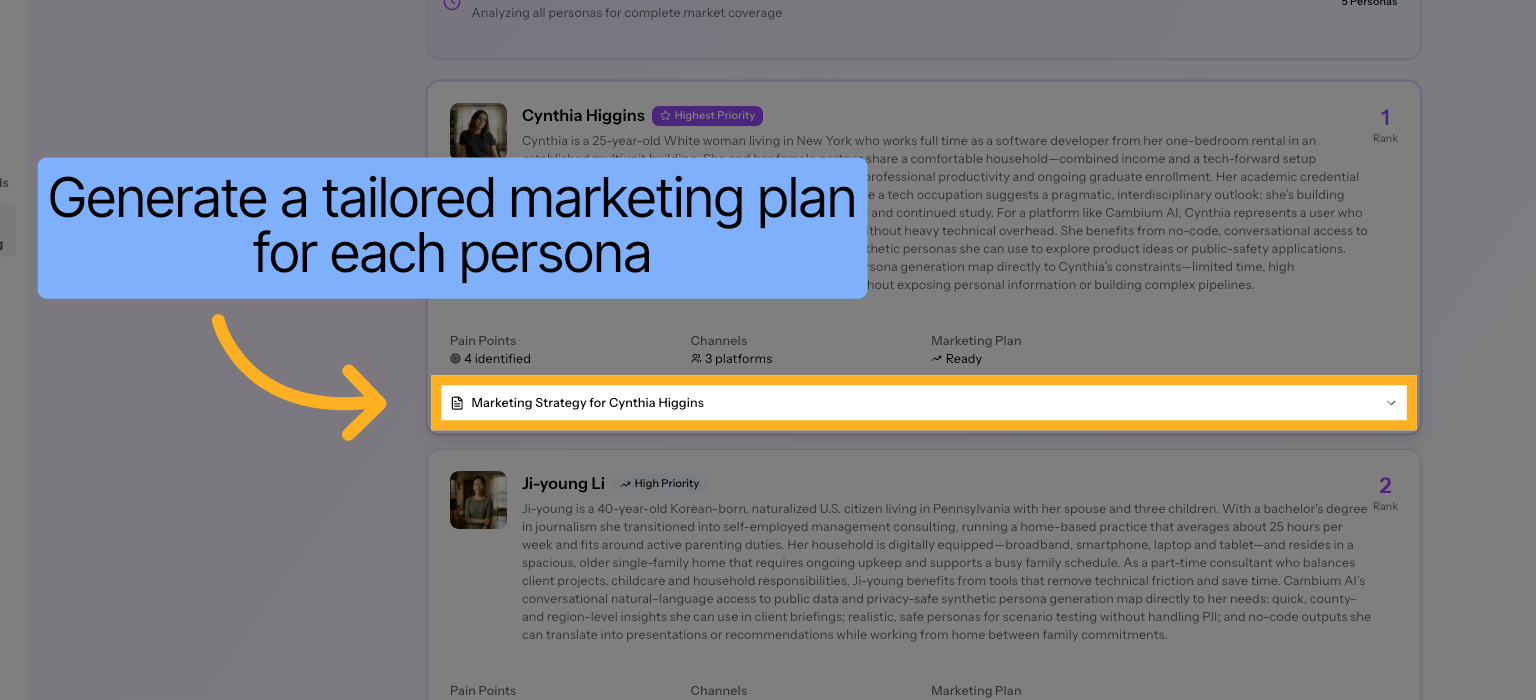
12. Create Targeted Plans for Each Persona
Produce customized marketing plans for each persona. Plans are tied directly to the characteristics of each persona, including messaging themes, channel considerations, and positioning angles.
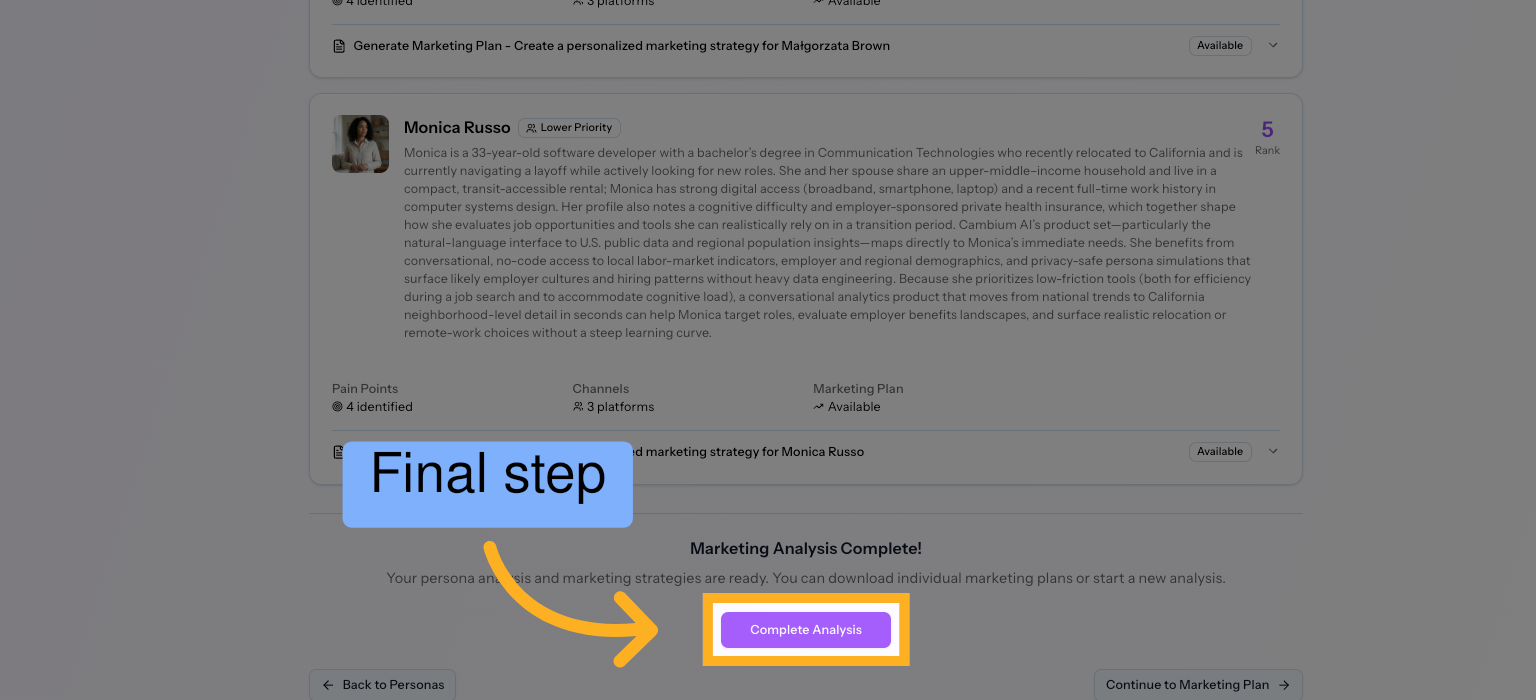
13. Finalize Your Core Audience Strategy
Confirm and complete your initial marketing analysis. This locks in your selected audiences and prepares your workspace for deeper exploration and iteration.
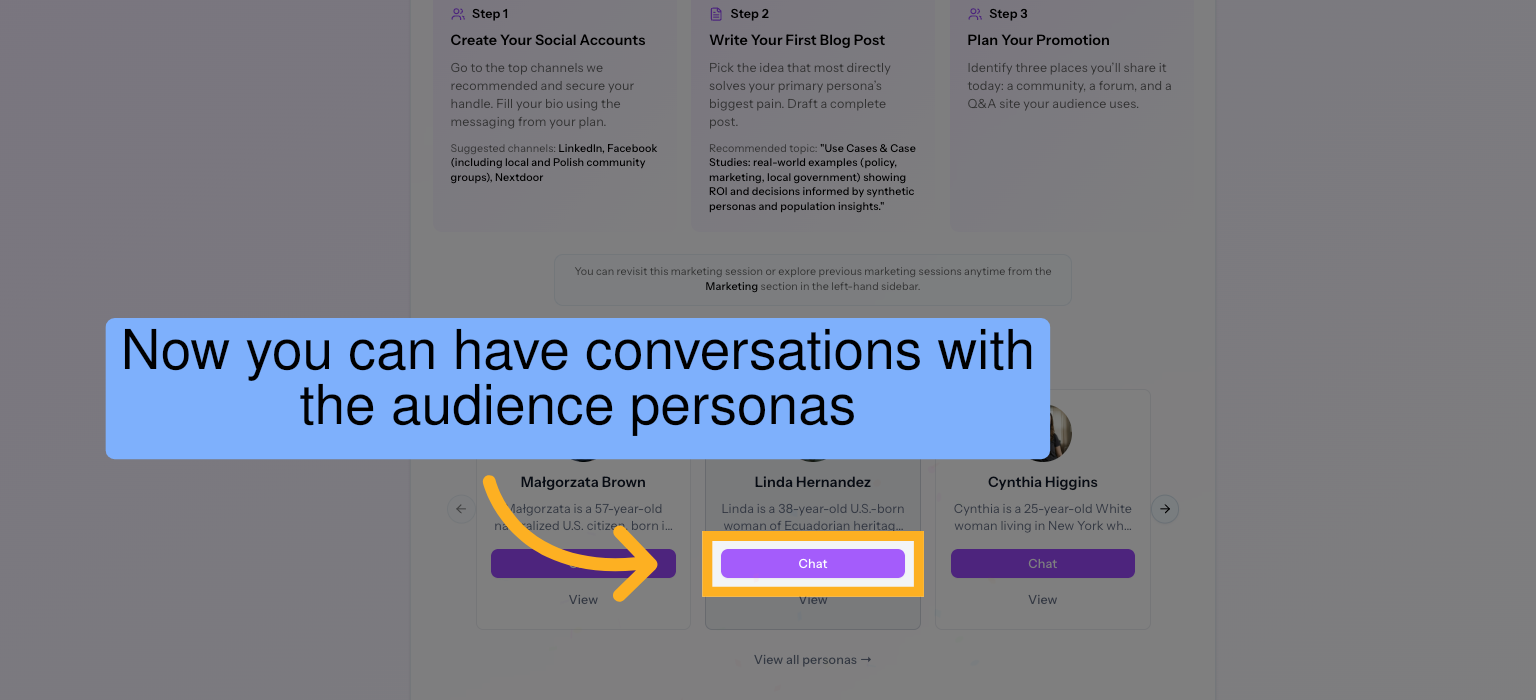
14. Talk to Your Personas
Interact with your generated personas conversationally to explore how different segments may respond to messaging, pricing, or positioning ideas.
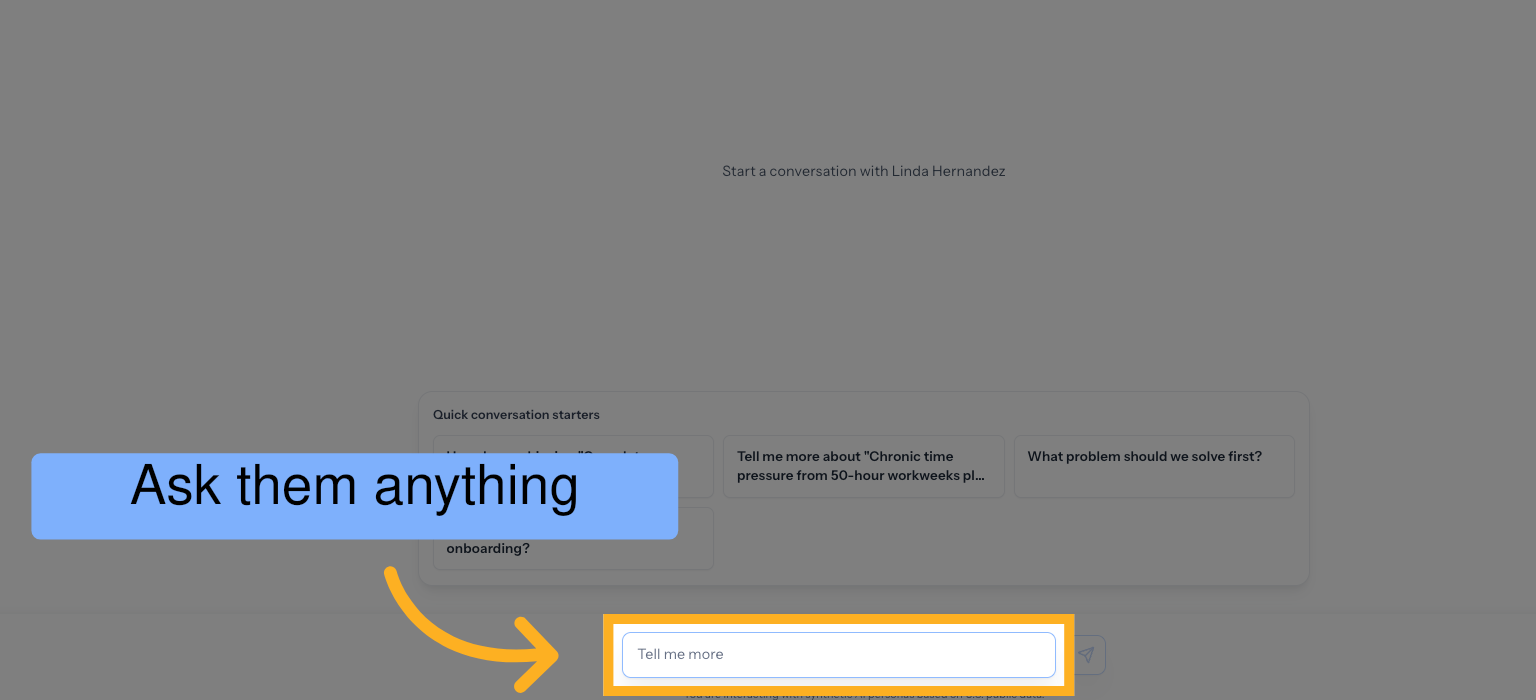
15. Ask Deeper Questions
Use natural language to ask questions about audience behavior, constraints, or strategy.
You have successfully generated a detailed marketing plan using Cambium AI by analyzing your website, creating customer personas, and developing a brand strategy. Next, chat with the personas to get a better understanding of your target customer.
For a more in-depth view, book a demo here.

.png)

.png)